60 frames a second
Many mobile games hold to 30 frames a second. Stumped: Ultimate Cricket 27 aims for 60, twice as many, so a ball at 150 km/h is drawn twice as often on its way to you. It's easier to judge, and the game feels quicker to your touch.
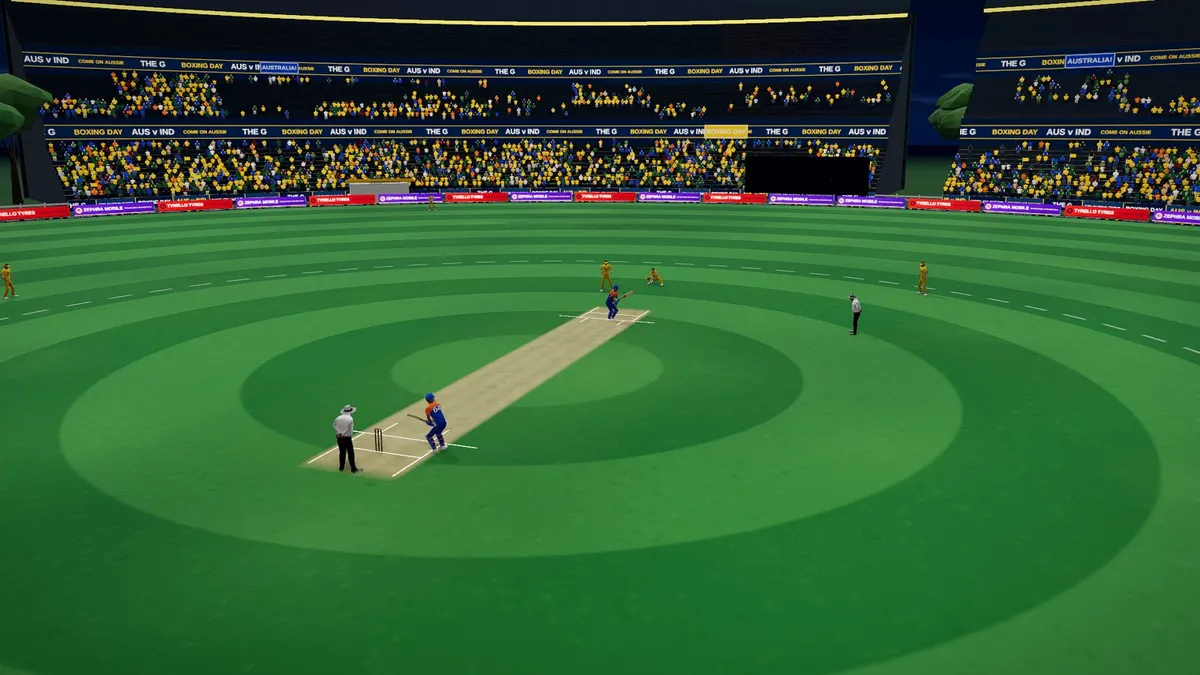
Smooth, and it stays smooth
A match is played ball by ball for an hour or more, so the frame rate has to hold up for the whole match, not only the first over.
- Graphics on Auto picks the detail your device can keep at 60 while the match loads, and keeps it for the match.
- If the device starts to struggle, the game first draws a few fewer pixels. If that isn't enough, it settles at a steady 30, then tries 60 again later.
- Everything the match needs is prepared while it loads, so the first balls don't stutter.
- Prefer a cooler phone and a longer battery? Set the frame rate to 30 in Settings.
iPhone and iPad hold games in the browser to 60, so that's the top there too.
Graphics levels
From Lowest, for budget phones, to High, with every effect at a size a phone can hold through a long match without running hot. Lower levels draw fewer pixels, simpler shadows and a thinner crowd, and hold 60 the same way.
WebGL and WebGPU
The game draws with WebGL on every device: quick to load and the most responsive. On a powerful computer you can switch the graphics engine to WebGPU, which is still experimental, for two more levels:
- Extra High: more pixels than High, soft shade where things meet, and a fuller crowd.
- Ultra: every pixel the screen has, the biggest shadows, the full glow of the floodlights and every seat filled.
A match takes longer to load on WebGPU. If your device can't run it, the match plays on WebGL.